Disqus Login and Logout in Android

Disqus login and logout features as described in the previous blog entry on Disqus (http://globeotter.com/blog/disqus-android-code/) do not work as intended in the latest updates. Currently if you followed the Code the login will stay busy and the page has to be refreshed. You can see the busy signal in the screenshot below. To get rid of it you have to change Activities and come back to the Disqus page (in which you are auto logged in).  After looking into it a bit, we found a nice work around for these issues.
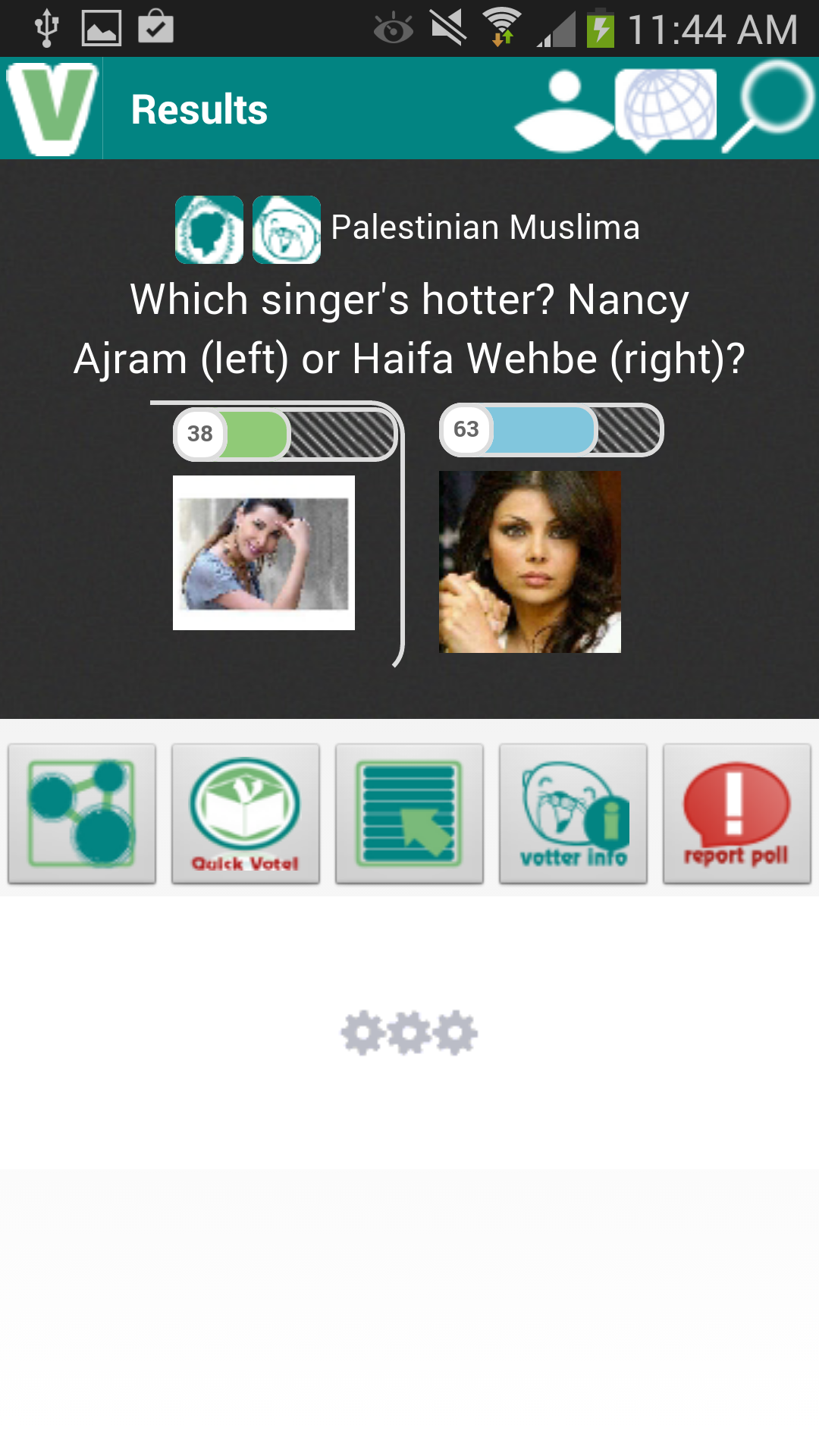
Disqus login and logout created a busy signal in this screenshot

If you would like to see how the code works you can look at our new App we made to Demo the functionality, The Daily Forum https://play.google.com/store/apps/details?id=otter.forum

The solution to the Disqus login and logout issues are contained in the WebViewClient in Android. It is not picking up the redirect and refreshing the page in the javascript. To address this we will need a new class that extends WebViewClient

MyWebViewClient.java

public class MyWebViewClient extends WebViewClient {

private String myUrl;
 public MyWebViewClient(String _myURL) {
 // TODO Auto-generated constructor stub
 myUrl=_myURL;

 }
 @Override
 public void onPageStarted(WebView view, String url, Bitmap favicon) {
 Log.i("page started", url);
 }

@Override
 public void onReceivedError(WebView view, int errorCode, String description, String failingUrl) {
 Log.i("disqus error", "failed: " + failingUrl + ", error code: " + errorCode + " [" + description + "]");
 }

public void onPageFinished(WebView view, String url) {
 if(url.indexOf("logout")>-1 || url.indexOf("disqus.com/next/login-success")>-1 ){
 view.loadUrl(myUrl);

 }
 if(url.indexOf("disqus.com/_ax/twitter/complete")>-1||url.indexOf("disqus.com/_ax/facebook/complete")>-1||url.indexOf("disqus.com/_ax/google/complete")>-1){
 view.loadUrl("YOUR_URL/login.php");

 }
 if(url.indexOf("YOUR_URL/login.php")>-1){
 view.loadUrl(myUrl);
}
}
}

There are a few key features of this code. First it is listening for the Twitter,Facebook, and Google Plus login code. Your WebViewClient will now be looking for this URL “disqus.com/_ax”. When it detects this we send it to a blank URL login.php. This login page does nothing, we only use it so we can detect that the 3rd party login was successful. Second, after we have either detected a 3rd party login (via login.php) or have been logged in via disqus (“disqus.com/next/login-success”) we refresh our URL (this is the URL passed in that your disqus page was using). Third, the logout code is quite simple. When a logout is detected simply refresh the url as well.

Next we need to actually call this class. We will use the same Disqus.java class as the previous blog entry on Disqus, but this time we will call MyWebViewClient

Disqus.java

</pre>
public abstract class Disqus extends Activity
{
private WebView webDisqus;

protected void onCreate(Bundle savedInstanceState)
{

//set layout to disqus xml
String url="http:///showcomments.php?disqus_id="+insert disqus thread is here;
setContentView (R.layout.disqus);

webDisqus = (WebView) findViewById(R.id.disqus);
 //set up disqus
 WebSettings webSettings2 = webDisqus.getSettings();

webSettings2.setJavaScriptEnabled(true);

webSettings2.setBuiltInZoomControls(true);

webDisqus.requestFocusFromTouch();

//set to the new WebViewClient Class
webDisqus.setWebViewClient(new MyWebViewClient(url));

webDisqus.setWebChromeClient(new WebChromeClient());

webDisqus.loadUrl(url);

}

}

We hope this helps if you were struggling with the Disqus login and logout in Android. Let us know if it works for you. If you get a chance check out the Daily Forum and leave us a review!

DISQUS on Android

Here we thought we’d give you a quick tutorial on how to integrate DISQUS  on Android. The implementation in a webpage is fairly straightforward and not too difficult in Android either. Since we just released a version of our Votter App with these comments enabled we thought we’d share some of the details behind the code. We’ll detail out a scenario using an android xml layout, android class and a simple php page. Before starting you should have already created an android app and be able to deploy it.  A hosting account will also be needed for the php component of our walk through. If you have not done this there are many tutorials over on the google android developers webpage.

To start with make sure your app has internet permissions  <uses-permission android:name=”android.permission.INTERNET”></uses-permission> and you have signed up for DISQUS and set up your site. It is good to have some familiarity with the system so try setting up a basic comment page on your webpage first so you know your setup in correct.

Start with making a layout called disqus.xml. Since we will be setting up our php  page in a moment, we will include a WebView object. The most frustrating part of most Android development is testing different resolutions and orientations. Thankfully by using WebView, we let WebView do all the heavy lifting in this area. Place whatever elements you like in the xml file but place a WebView on the bottom.  For most layouts that might have extensive comments, you will likely want to place your whole page in a ScrollView.  Using  fill_parent  is a good idea here if it is just going to be tagged onto the bottom of the layout.

disqus.xml

<?xml version="1.0" encoding="utf-8"?>

<LinearLayout xmlns:android="http://schemas.android.com/apk/res/android"
 android:orientation="vertical"
 android:layout_width="fill_parent"
 android:layout_height="wrap_content" >

<ScrollView
 android:layout_width="match_parent"
 android:layout_height="match_parent" >

<LinearLayout
 android:layout_width="match_parent"
 android:layout_height="match_parent"
 android:orientation="vertical" >

// INSERT all your other GUI objects on top of the comments here

<WebView xmlns:android="http://schemas.android.com/apk/res/android"
 android:id="@+id/disqus"
 android:layout_width="fill_parent"
 android:layout_height="fill_parent" />

</LinearLayout>
</ScrollView>
</LinearLayout>

Once you have your layout how you like, it is best to go ahead and set up a php page on your server. This page will essentially be blank but setup the same way any old DISQUS thread would be set up. The difference being we will pass the disqus_identifier in through the URL. With the exception of line 6 this is taken from the DISQUS installation guide. So in case of an update to the API, just follow their guide. Don’t forget to add the shortname for your disqus application.

showcomments.php

<div id="disqus_thread"></div>
<script type="text/<span class=">

/* * * CONFIGURATION VARIABLES: EDIT BEFORE PASTING INTO YOUR WEBPAGE * * */
 var disqus_shortname = '<shortname>'; // required: replace example with your forum shortname
 var disqus_identifier = '<?php echo $_GET['disqus_id']; ?>';

/* * * DON'T EDIT BELOW THIS LINE * * */
 (function() {
 var dsq = document.createElement('script'); dsq.type = 'text/javascript'; dsq.async = true;
 dsq.src = 'http://' + disqus_shortname + '.disqus.com/embed.js';

(document.getElementsByTagName('head')[0] || document.getElementsByTagName('body')[0]).appendChild(dsq); })();
 </script>
 <noscript>

Please enable JavaScript to view the <a href="http://disqus.com/?ref_noscript">comments powered by Disqus.</a>

</noscript>

<a href="http://disqus.com" class="dsq-brlink">comments powered by <span class="logo-disqus">Disqus</span></a>

Ok now that both components are setup we just need to link them together in our activity. To do this just load your xml layout(disqus.xml) in your Activity (Disqus.java). To load the comments we will simply do it onCreate. Instantiate your WebView and assign what WebSettings your wish to it. In line 27 you can see to load the comments we will just call our php file with a URL parameter that will be the disqus_identifier. You can store this in a variable or have it static depending on how many forums or comment threads you have.

Disqus.java

</pre>
public abstract class Disqus extends Activity
{
private WebView webDisqus;

protected void onCreate(Bundle savedInstanceState)
{

//set layout to disqus xml

setContentView (R.layout.disqus);

webDisqus = (WebView) findViewById(R.id.disqus);
 //set up disqus
 WebSettings webSettings2 = webDisqus.getSettings();

webSettings2.setJavaScriptEnabled(true);

webSettings2.setBuiltInZoomControls(true);

webDisqus.requestFocusFromTouch();

webDisqus.setWebViewClient(new WebViewClient());

webDisqus.setWebChromeClient(new WebChromeClient());

webDisqus.loadUrl("http://<PATH TO WEB SERVER>/showcomments.php?disqus_id="+<disqus thread id>);

}

}

That is it for loading DISQUS on Android. If you have any questions or suggestions leave them in the comments below. If you’d like to see a demo of this first, check out the Votter App on Google Play.  If you want more code samples of different techniques used in Votter or any of the GlobeOtter Apps just send us a message or leave a comment below and we will try to write up a walk through.

Update

To address the login and logout issues we were seeing we added a blog entry here http://globeotter.com/blog/disqus-login-and-logout/.  You can also check out a full implementation of this in our new App the Daily Forum.

Votter Release : DISQUS comment system

Some may have noticed that both for this blog and thevotter.com we use the DISQUS comment system. We had originally started out with our own “Blotter” commenting system but it quickly became alot to monitor without all the features we would want. We had been users of the DISQUS  comment system on other sites such as CNN so we figured we’d give it a shot. The web setup took about 10 minutes and implementation took only about an hour to modify our php files to use their API. Not bad at all but it did leave use with two disjoint systems since our Android app still used our old Blotter system.

With this update the blotter system has been removed and DISQUS has been implemented within our Android App. Now the comments will sync between the web and the app. We hope everyone enjoys the new system as they can have same account for commenting across news sites and across apps. You can give the comment system a try right here in the blog by registering with any of the social networks. If you like it, please let us know.

For those who didn’t update in version 1.06, we now also have Facebook Login for android. This is using the newly released facebook android SDK last week. We hope this will reduce the amount of users who download the app but don’t register. Using this plugin users can login to our App without registering.  The Android code for this is a bit more complex than DISQUS. Hopefully when the SDK is out a bit longer some standard approaches will be available.  However, if readers are interested we can release our code for the login script.

When looking at the Google App store we only saw a handful of apps using the DISQUS comment system  so we may do a code segment in a few days to help those who want to implement a similar system in Android. Let us know in the comment section if you need the code or just the general approach.

If you haven’t downloaded Votter you can follow the Google Play link below


Android app on Google Play